Creating and Managing Layouts
- DAIMIA Connector allows users to customize the layout of their workspace by adjusting and resizing the various tabs (PLM, Viewer, Search, Properties).
Create a New Layout
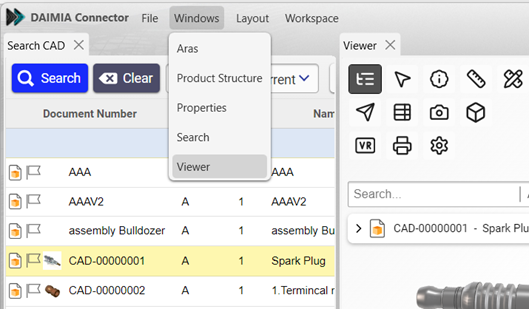
- You can create a new layout by clicking it on the Windows on top menu and after you can open the tabs (Explorer, Viewer, Search, Properties) and you can adjust various positions within your workspace and resize them to fit your needs.
Customize & Save Layouts
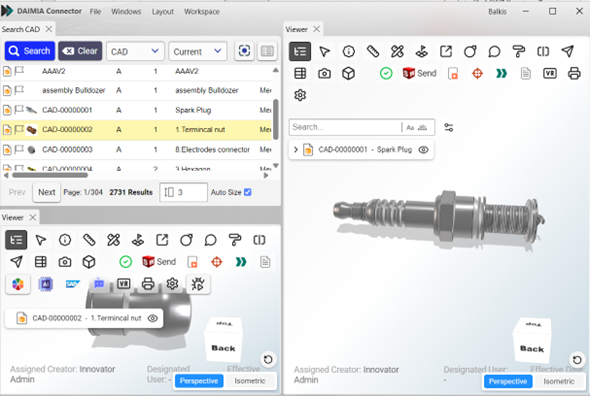
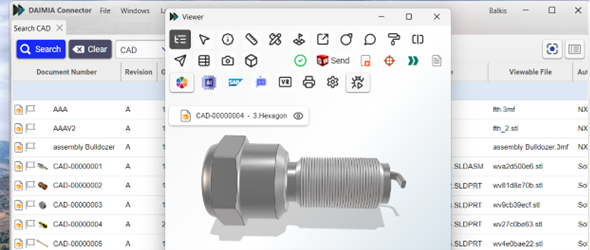
- You can resize the tabs added to the DAIMIA Connector interface and move them to different areas of the window. Additionally, the same tab (e.g., Viewer) can be used multiple times.
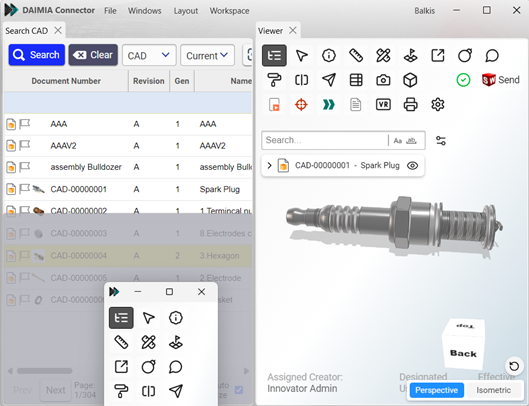
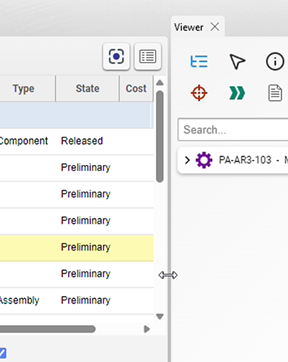
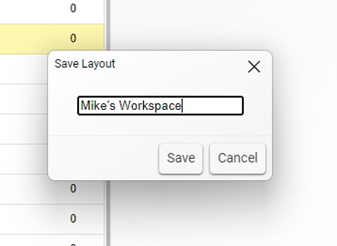
- Once you’ve customized your workspace, save the layout for future use. Go to the Layout menu and select Save Layout to save your configuration. This allows you to reload the layout as needed.
Reset Layout
- If you wish to revert to the default layout, simply go to the Layout menu and click Default. This will restore the original configuration.
Full Screen Tabs
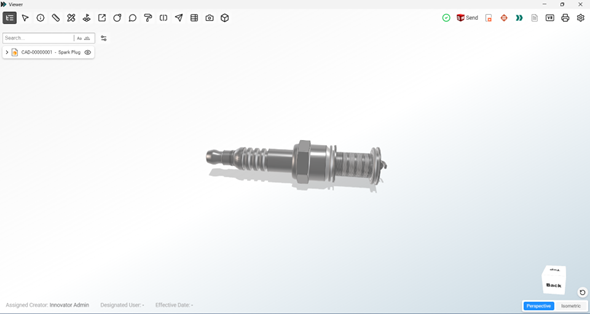
If you want to use a tab, such as Viewer or Search, in full-screen mode, you can detach it by dragging the tab title with the mouse and use it as a separate window.
Last updated on